Free
No credit card required
- Starter credits included
- Basic editing and exports
- Try AI image, captions, music, and motion graphics
- Upgrade when you need a monthly credit budget
Generate video with Seedance 2.0 from a prompt, an image, or a first and last frame, then trim, caption, and layer it like any other clip.
Describe a still and ChatCut generates it, then turns that same image into a video, right on the timeline.
Generate a video
Hand ChatCut the start and the end of a shot. It generates everything in between.
Generate video from text, images, or a first and last frame, then edit, caption, voice, and score it, all in one place.
From a prompt, or a first and last frame, to a real clip on your timeline, with captions and graphics included.
Give it a first and last frame or a prompt, and it generates the exact shot.
Generate a videoGenerate clips that match the real footage already on your timeline.
Open the editorLayer captions, motion graphics, voiceover, and music on the same clip.
Add graphicsTrim, retake, or restyle it right where it landed, still fully editable.
Generate a videoIt all sits on one timeline, so you export a finished video, not a raw clip.
Try ChatCutDropped a new clip into the player and your media pool.
Word-level captions and a title, rendered onto the shot.
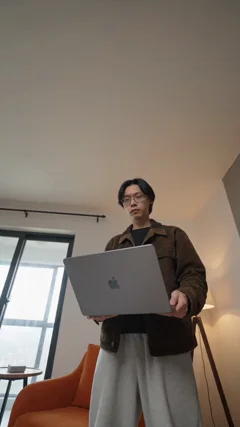 First frame
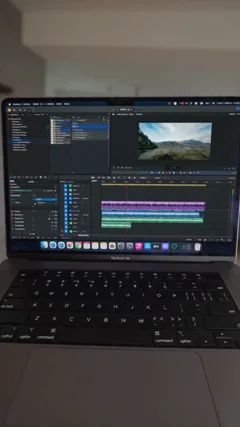 Last frame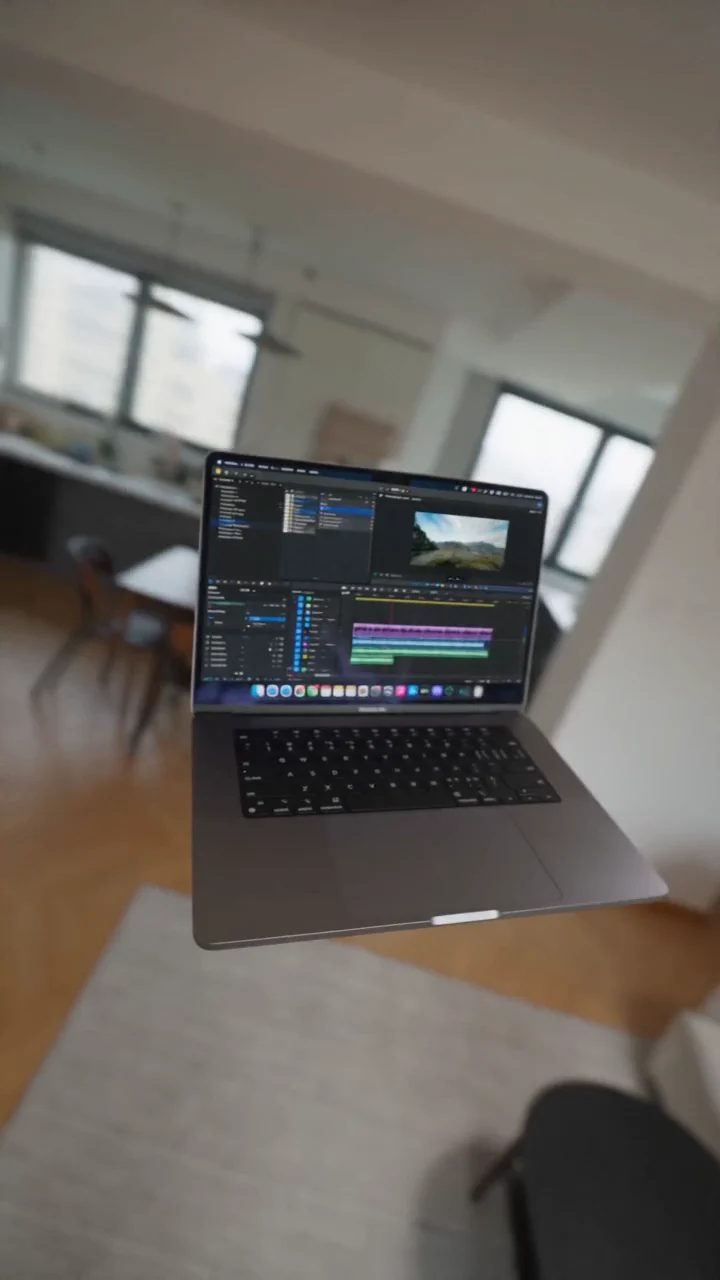
 0:05
0:05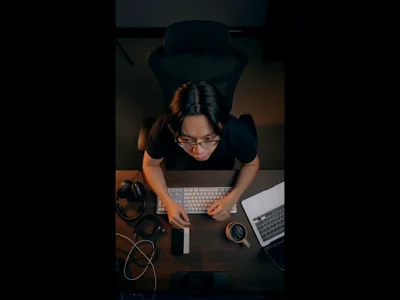 0:04
0:04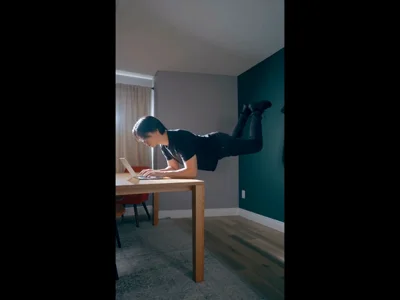 0:08
0:08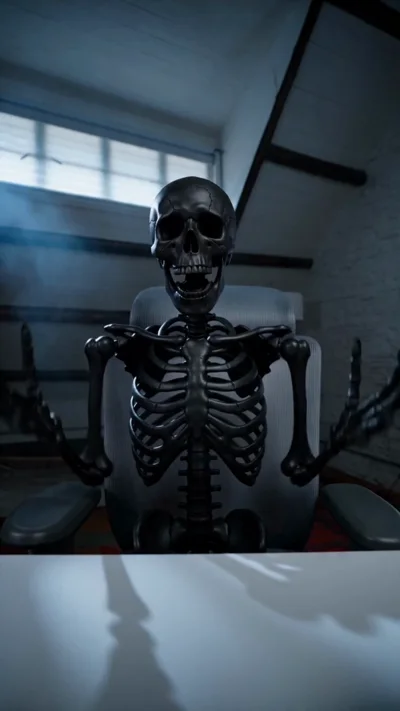 0:05
0:05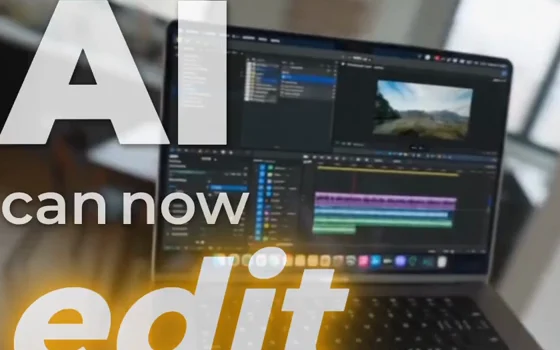
Every team ships video for a different reason. ChatCut generates the shots each one needs, ready to edit on the same timeline.

Turn one concept into a dozen ad variants. Generate hero shots, product scenes, and cutdowns for every client, then ship the winners.

Spin a single product still into scroll-stopping ads. Launch films, unboxings, and lifestyle shots with no studio and no shoot day.
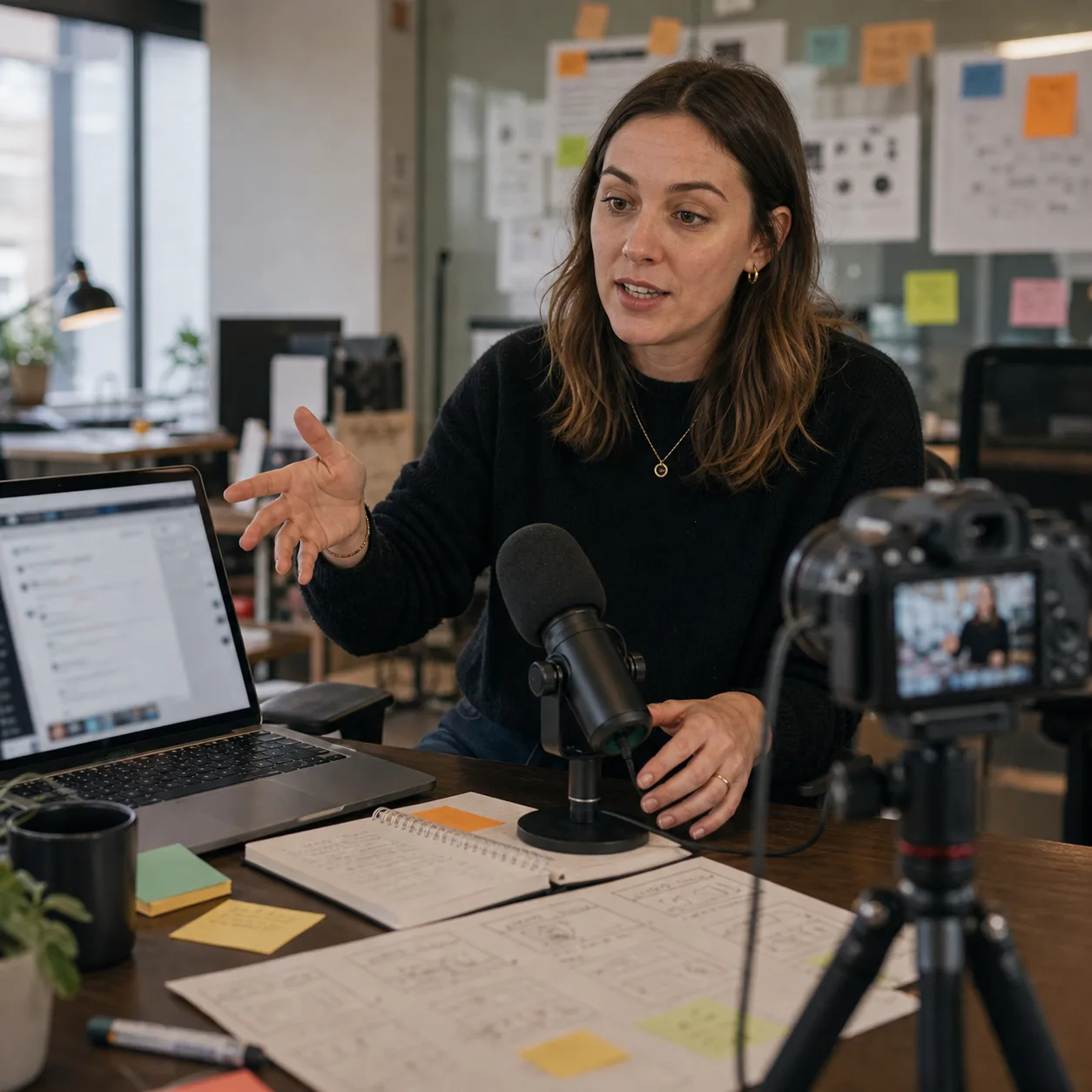
Ship demos, explainers, and launch clips on your own schedule. Describe the feature and get a shot that drops straight onto your timeline.
From a prompt to an editable clip on your timeline. Here's how it works.
No credit card required
Billed monthly
Billed monthly
Describe it, or drop a first and last frame. Editable after, all on your timeline.